
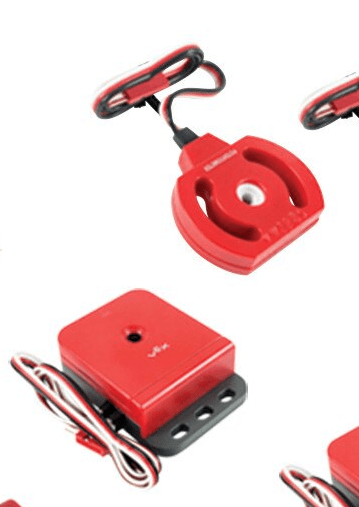
Accelerometers are complex sensors that can be used to detect the acceleration of a robot. This can be used for multiple functions, such as calculating the robot’s velocity. This function could then be used to determine if the robot ran into an object, due to the robot’s sudden loss of velocity. The robot has three axes on which to determine direction: the x-axis and the y-axis, which determine if the robot is going left, right, forward or backwards, and the z-axis, which measures up and down movement.
Each axis has its own value, which changes depending on the velocity of the robot. For the x and y-axis, when the robot moves in the direction of the axis that the arrow on the sensor is pointing to, the value will increase, and when going in the opposite direction, the value will decrease. For the z-axis, moving up will cause the value to increase, and moving down will cause it to decrease. The accelerometer also has a jumper attachment, which will increase the sensitivity of the sensor from +2g to +6g. The +6g mode is able to detect smaller changes in acceleration, but the +2g mode is more reliable when the the robot makes rapid changes in velocity.






 VEX Sensors and How to Use Them